Complete Understanding and Know-how of WBS
The Concept of WBS (Work Breakdown Structure)
The most basic and core framework for successful schedule management is the WBS (Work Breakdown Structure). WBS means progressively breaking down the tasks required to achieve a massive project's final goal into a hierarchical tree structure.
Even an experienced project manager cannot calculate at once how many days it will take and who to assign work to for a huge goal like "Build a new website." However, by breaking it down into 'Planning', 'Design', and 'Development', and further dividing 'Development' into 'Front-end' and 'Back-end', you eventually derive specific unit tasks that one person can finish within a few days.
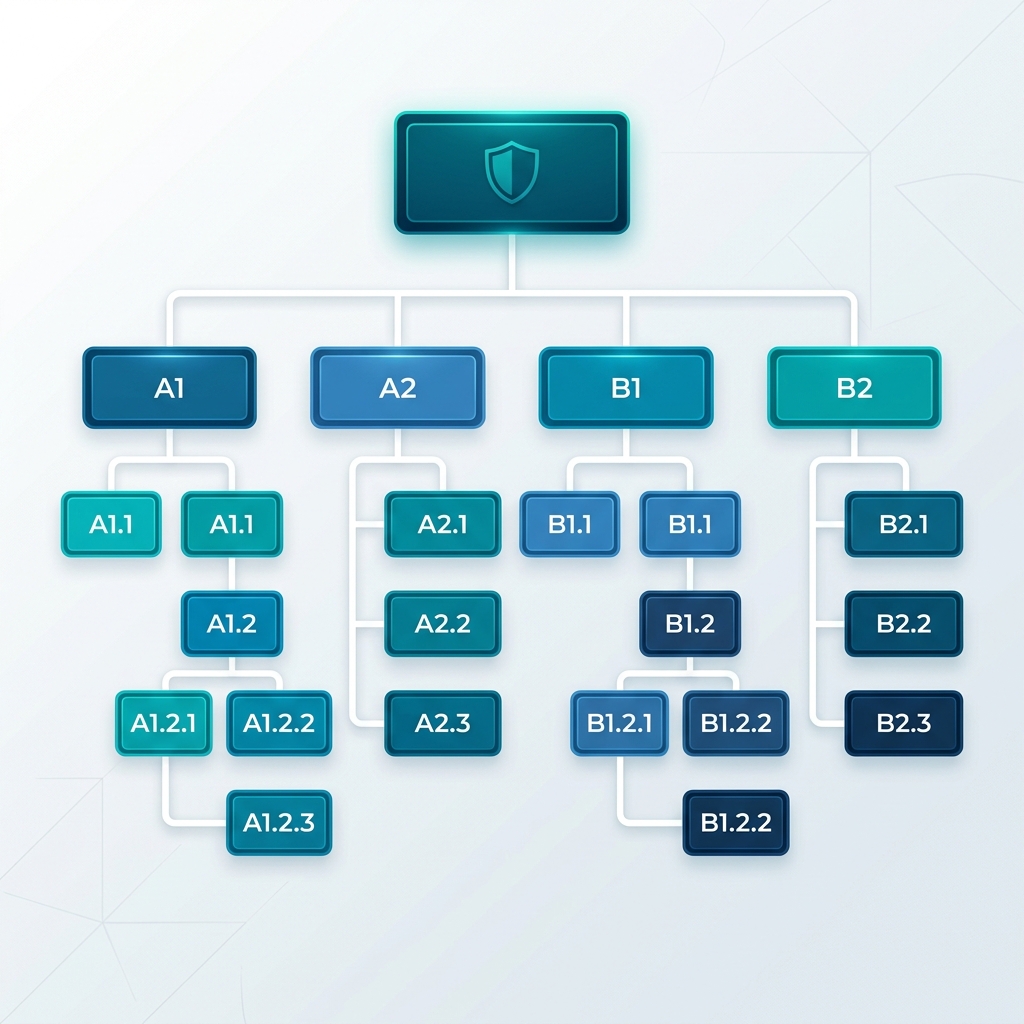
[Figure 2] Typical Top-Down WBS Hierarchical Tree Diagram
The Core of WBS Creation: The 100% Rule
The most academically emphasized principle when creating a WBS is the 100% Rule. This rule states that the sum of the specific sub-tasks must exactly fulfill 100% of the scope of their parent task.
For example, suppose you break down the parent level 'Design Complete' into 'Main Page Design', 'Sub Page Design', and 'Icon Creation'. If completing these 3 sub-tasks 100% does not result in the completion of 'Design Complete', it means there are 'Missing Tasks' (e.g., missing font license purchase). Conversely, the sum of sub-tasks should not exceed the parent's scope.
Proper WBS Breakdown Stages (Top-Down Approach)
Generally, WBS uses a top-down approach, breaking down from the largest unit to the smallest. The table below shows a typical 4-level breakdown.
| Level | Name | Description & Example |
|---|---|---|
| Level 1 | Project | The final deliverable. (e.g., New Mobile App Launch) |
| Level 2 | Phase | Large chunks of the lifecycle. (e.g., Planning, Design, Dev, QA) |
| Level 3 | Work Package | A bundle that can be assigned to a specific department. |
| Level 4 | Task/Activity | The smallest unit assigned to an individual for time/cost estimation. |
How to Apply WBS to a Gantt Chart
The completed WBS tree is directly transplanted to the left vertical axis (grid) of the Gantt chart. In Rudia Online Gantt, you can easily create folder structures of infinite depth using the Indent feature.
The parent task bar, acting as a Work Package (parent group), has its start and end dates automatically calculated based on the schedules of its child tasks, displayed as a long, thick black bar. This allows PMs to intuitively monitor how delays in detailed tasks affect the overall 'Phase' schedule.