Start Projects in 1 Second without Sign-up
A Perfect Onboarding Experience Eliminating Unnecessary Hurdles
What is the biggest barrier when introducing new software to a team? It's the cumbersome procedures like 'Sign-ups', 'Logins', and 'Forced Tutorials'. For busy professionals, these processes are the main reasons they abandon tool adoption. Rudia Online Gantt was developed on the philosophy that "The moment a user accesses the site, they should be able to draw on the canvas within 1 second."
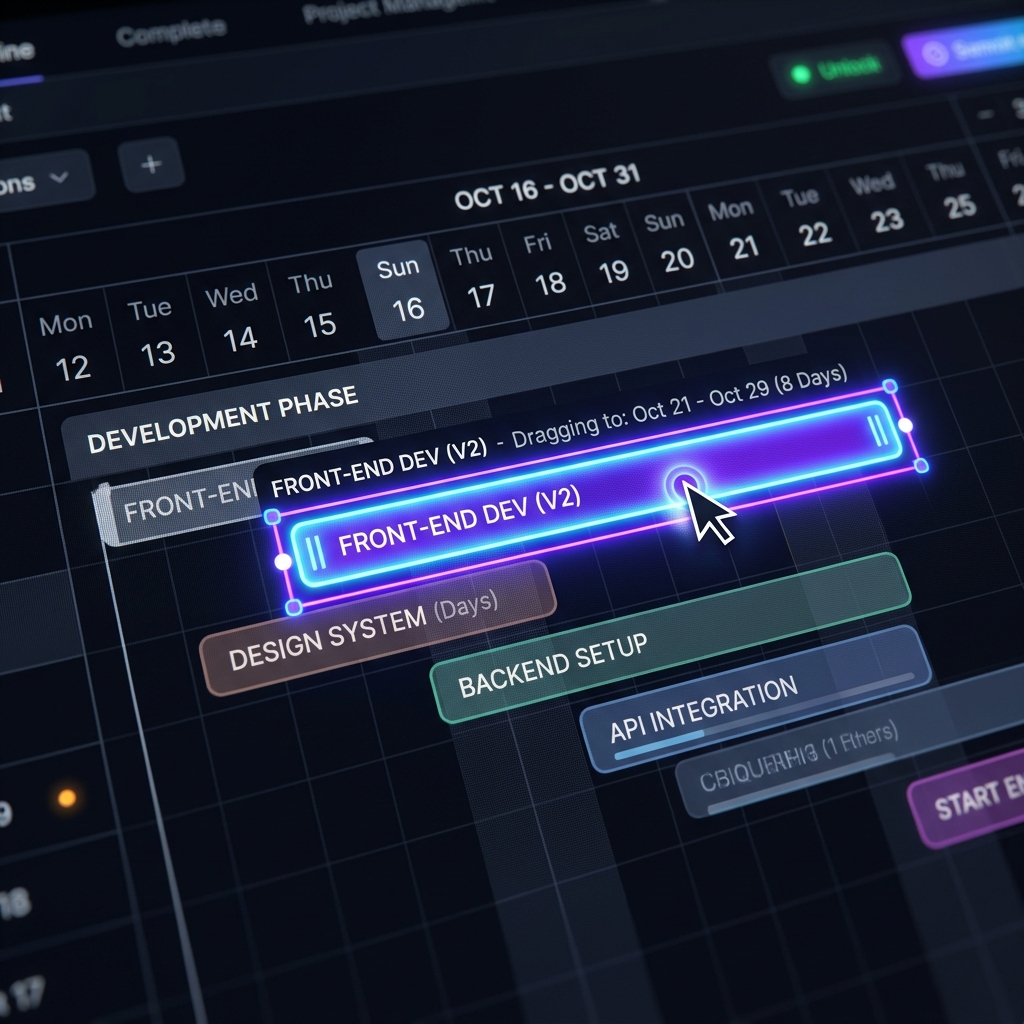
Your Own Gantt Canvas Opens with a Single Button Click
Complex sign-up forms, email verifications, and mobile authentications are completely excluded. To experience Rudia Online Gantt, simply click the [Start Gantt] button located in the center of the homepage. Without any loading delays, your web browser's entire screen instantly transforms into a professional project management interface.
Auto-loaded Templates (Sample Data) for First-time Users
To relieve the blank canvas syndrome, a standard sample data template—widely used in practices like software development, construction, or marketing planning—automatically populates the screen upon your first entry. Through this, users can instantly click the bars, drag the arrows, and physically learn the tool's operating principles in just a few seconds.
Ready? Start a New Project from a Blank Slate!
Have you grasped the basic controls and are ready to plan your actual project schedule? Simply click the [New] icon located on the left side of the top toolbar. The sample data is wiped clean, revealing a complete blank canvas. Now, press the [Add Task] button on the left sidebar to add your WBS framework one by one, and confidently draw your own roadmap to success!