Top 3 Mistakes Beginners Make on Gantt Charts
Avoiding Common Pitfalls for Gantt Chart Beginners
When introducing a Gantt chart for project management for the first time, many beginner managers fall into fatal traps out of over-enthusiasm. These mistakes make maintaining the chart difficult and ultimately cause team members to stop looking at it. Let's explore the top 3 mistakes beginners must avoid and their solutions.
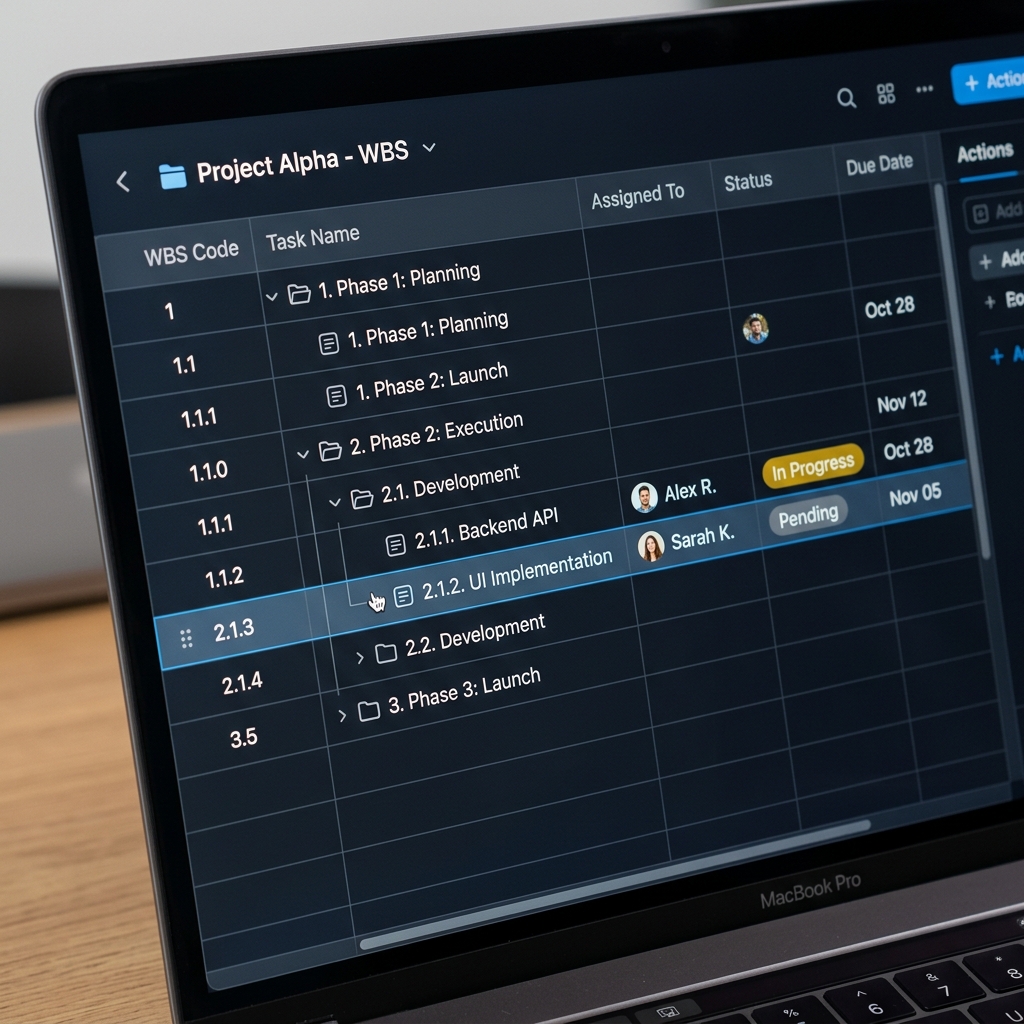
1. Breaking Tasks Down Too Much (The Swamp of Micromanagement)
The most common first mistake is breaking down every task too finely. If you list every 10-minute phone call or simple email-writing task in the WBS (Work Breakdown Structure), a one-month project will easily exceed hundreds of tasks.
💡 Solution: A Gantt chart is a tool for managing the macroscopic flow of schedules and milestones. Group tasks into meaningful chunks that take at least half a day (0.5 days) or a full day. Very detailed checklists are better managed using a separate To-Do list or issue tracker beneath the Gantt chart level.
2. Missing Dependency Connections for Successor Tasks
The second mistake is merely drawing task bars according to dates without logically linking the predecessor-successor relationships (Dependencies) with arrows. What happens if Task B can only start after Task A finishes, but you don't systematically link them?
💡 Solution: If Task A is delayed by 3 days due to an unexpected issue, a connected dependency automatically pushes Task B back by 3 days (Auto-Scheduling). However, if you omit the link, the manager must manually adjust the dates for Tasks B, C, and D. This leads to fatal human errors and massive disasters near the deadline. Always strictly connect Finish-to-Start (FS) dependencies.
3. Failing to Allocate Buffer Time
The third mistake is the so-called 'best-case scenario' scheduling, where the entire schedule is packed 100% tightly without a single day's gap. In real-world projects, countless variables occur, such as a team member's sudden sick leave, a partner company's delivery delay, or late feedback from a client.
💡 Solution: A tightly interlocked schedule crumbles the entire project's release date with just a single day's delay. Always allocate a Buffer period of 10-15% before major phase transitions or core milestones. In Rudia Gantt, you can manage risks by inserting a virtual task named 'Buffer'.
Avoiding just these three mistakes will drastically increase your chances of project management success. Start relaxed and systematic scheduling with Rudia Online Gantt.