Is it Supported on Mobile and Tablets?
Responsive Web Breaking the Boundaries Between Desktop and Mobile
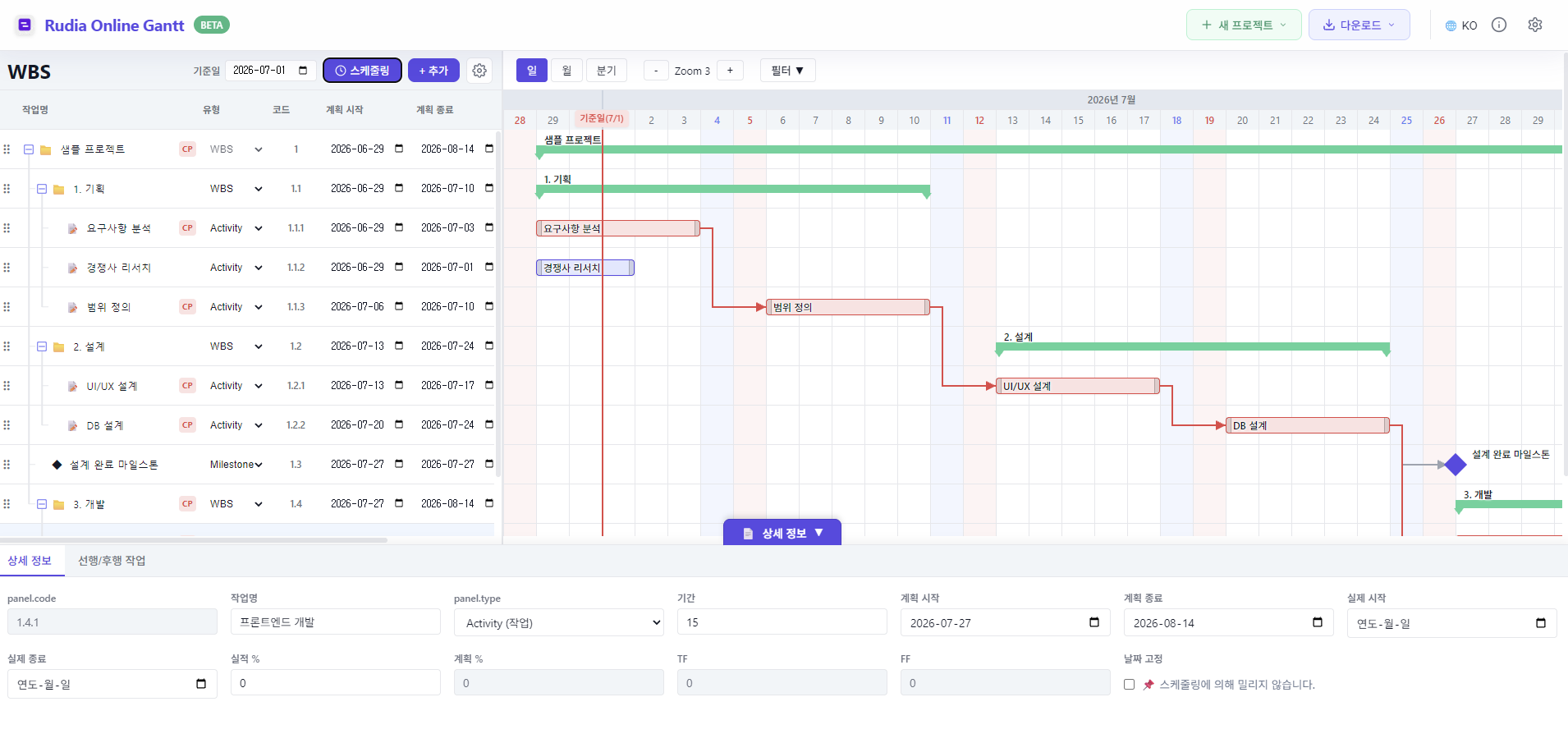
In modern business environments, it is common to spend more time in external meetings, remote working, or field visits than sitting in front of an office desktop. Excel or installable professional project management software have the fatal drawback of requiring a heavy laptop to check schedules. Overcoming these limitations, Rudia Online Gantt has adopted a responsive web architecture that runs at optimal resolution on all devices, including smartphones, tablets, and PCs.
Instant Viewer Feature using Smartphones
There are times when you suddenly need to report the current project progress on the subway during your commute or at a meeting table with a client. At these times, simply take your smartphone out of your pocket and access Rudia Gantt via the browser. Even on a small mobile screen, you can scroll through the WBS list, touch and move the timeline, and quickly brief the overall project flow and progress visually. The mobile experience as a Viewer is faster and smoother than any other tool.
Presentations and Touch Editing using Tablets
On tablet devices like iPads or Galaxy Tabs, you can utilize the broader screen to smoothly perform actual editing. It perfectly supports intuitive gestures like dragging a task bar with your finger to change dates or tapping to expand/collapse group folders. Try putting a tablet in a meeting room and adjusting schedules together with your team members via touch.
Recommendation for Professional WBS Creation in a Desktop Environment
Although mobile and tablet are perfectly supported, the initial professional work of designing complex WBS hierarchical structures and meticulously linking dozens of dependency arrows is still recommended to be done in a Desktop (PC) environment with a mouse and a large monitor. You can lay the foundation for scheduling much more productively using keyboard shortcuts and precise mouse pointing.
To summarize, "Initial planning and design on the desktop, field viewing and minor adjustments on mobile and tablet" is the hybrid workflow tip to utilize Rudia Gantt 200%.