Meaning and Usage of Milestones in Projects
What is a Milestone?
A Milestone originally refers to a stone set on the edge of a road every mile to let travelers know how far they have left and if they are on the right track. As this concept was introduced to project management, it became a term meaning a critical point or major event that must be achieved within a project journey.
While general Tasks represent a process carried out over 'several days', a milestone means a specific 'Point in time' where the physical Duration is '0 days'. On a Gantt chart, it is typically displayed as a diamond (◆) icon rather than a horizontal bar, making it visually distinct from other tasks.
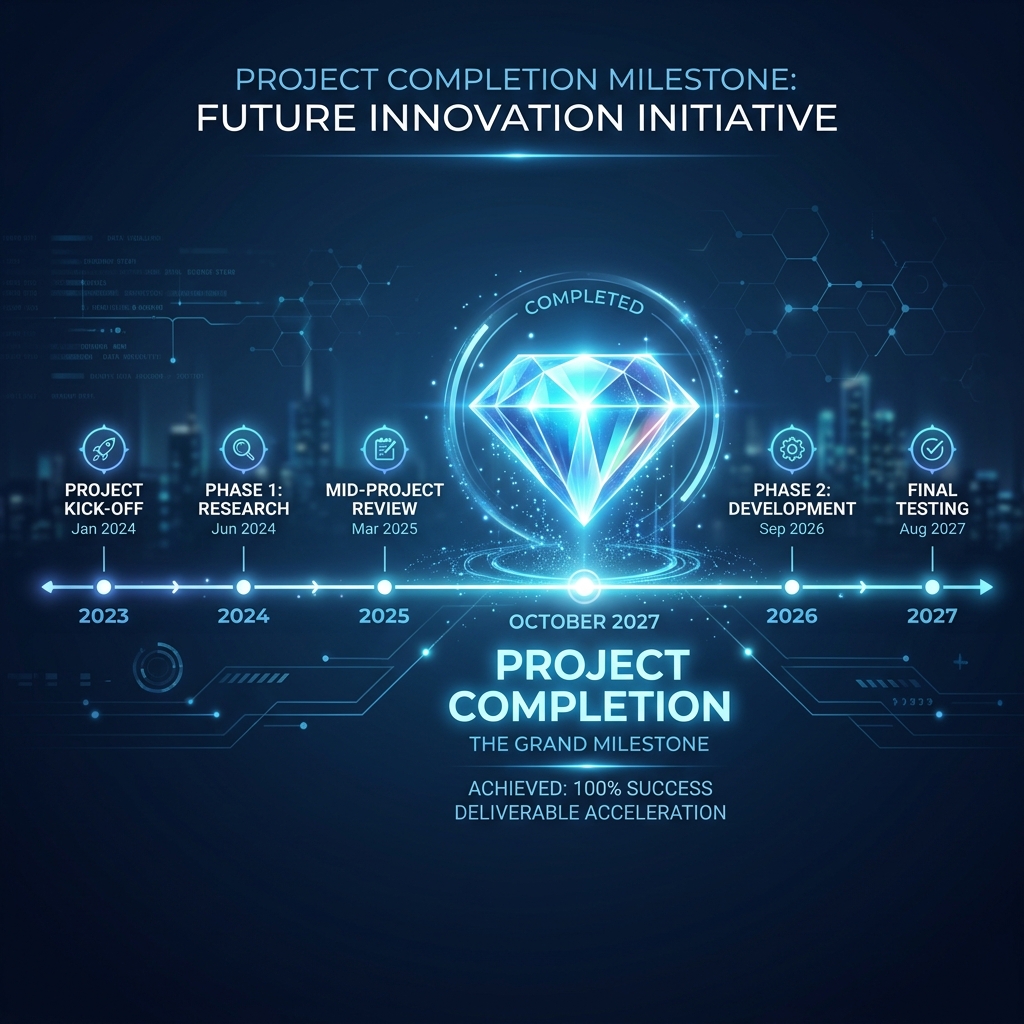
[Figure 4] Key Milestone (Diamond) on the project timeline
3 Core Roles of a Milestone
Why is it so important to just place a pretty diamond mark? Milestones offer the following powerful management advantages.
1. High-Level Reporting for Management and Clients
Busy executives or external clients have neither the time nor the interest to read hundreds of minor development or design task details. All they want to know is, "So when does the beta test start?", "When is the final delivery date?". By filtering only the milestones for a report, you can perfectly communicate the overall flow of the project to these top decision-makers.
2. Short-term Goals and Motivation for Team Members
For a long-term project spanning 3 years, if team members only look at the final deadline, they will quickly burn out or fall into a rut. Setting milestones like 'Prototype Completion' or 'Series A Funding Success' every month or quarter gives team members a sense of short-term purpose and helps them maintain their pace.
3. Reference Points for Billing and Inspection
In outsourcing development (SI) or construction projects, payments are not made all at once but in installments based on the completion rate. Milestones such as 'Kick-off Report Complete', 'Mid-term (Alpha) Demo', and 'Final Inspection Passed' become very important reference points that serve as legal grounds for billing.
Examples of Proper Milestones
If you are unsure what items to set as milestones, refer to the examples in the table below.
| Industry | Milestone Examples (Duration = 0) |
|---|---|
| Software / IT | Spec Freeze, Alpha Release, Security Audit Passed, Production Launch |
| Construction | Building Permit Approval, Foundation Complete, Topping Out, Final Inspection |
| Marketing / Event | Ad Creative Approved, Campaign D-Day, Early-bird Sold Out, Event Day |
Handling Milestones in Rudia Gantt
Creating a milestone when using a Gantt chart tool is very simple. After adding a new task, just set the Duration to '0'. In Rudia Online Gantt, as soon as a task with a duration of 0 is entered, it automatically converts from a regular bar into a diamond (◆) icon and is prominently rendered on the timeline.